How to Train Your Voice Assistant to Better Understand Your Speech
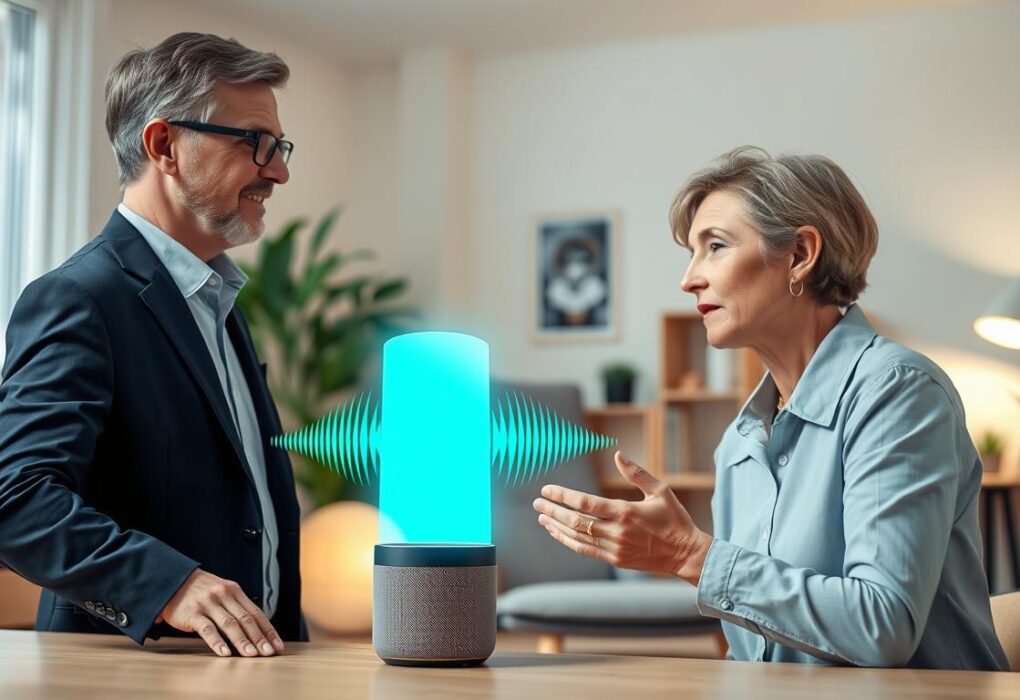
You use Siri, Alexa, or Google Assistant every day. But sometimes, they get it wrong. This guide offers tips to improve voice recognition and get better responses. Voice assistants are everywhere, from phones to cars. But they often misunderstand us. This is because their training data is biased and focuses too much on standard accents….

How Social Technology Helps Combat Loneliness in Isolated Seniors
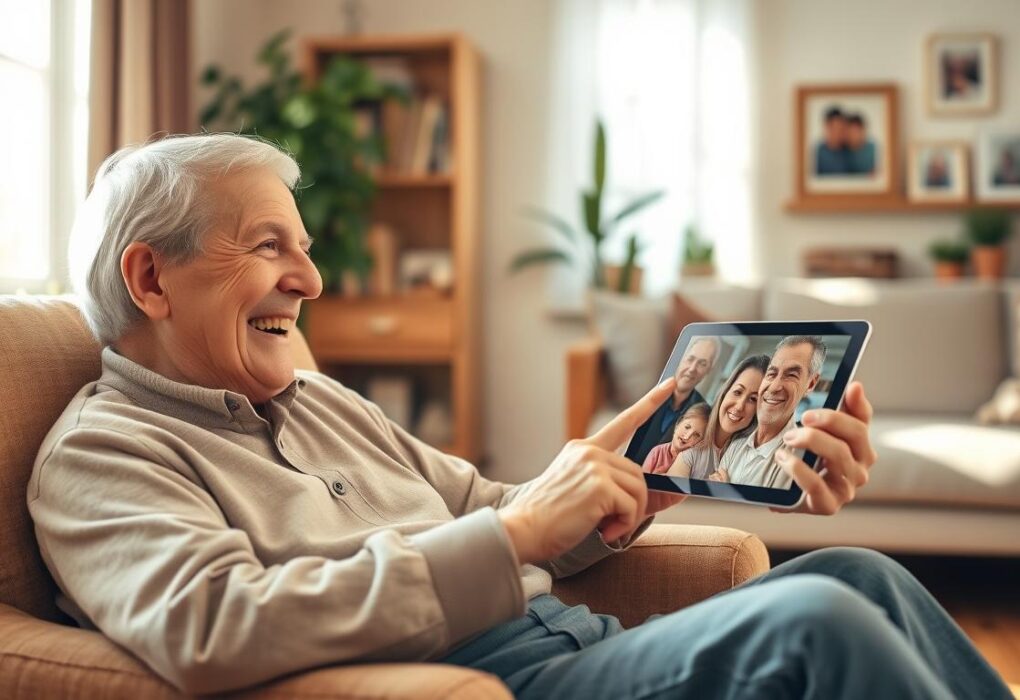
Did you know nearly one in four adults aged 65 and older feel lonely? The 2023 US Surgeon General advisory called loneliness a public health crisis. It linked loneliness to higher risks of heart disease, stroke, and premature death. Technology can help bridge this gap. Tools like Facebook and Zoom let you stay in touch…
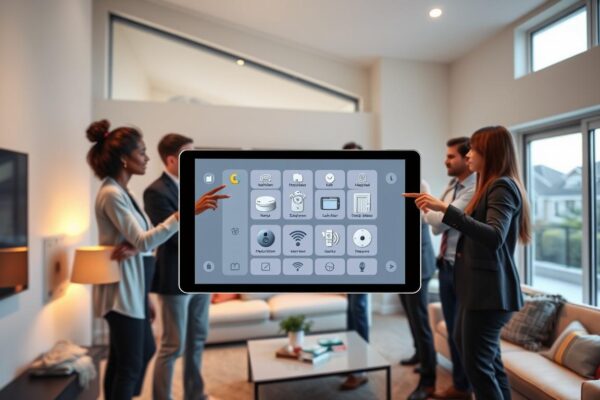
Integrating Security Hubs: Centralize Safety Alerts into One Simple Home Interface
Integrating security hubs means you combine sensors, cameras, alarms, and alerts into one spot. This lets you watch and manage safety from a single screen. For your home, it means fewer missed alerts and consistent rules for notifications. With the same rules for alerts, setting up devices is simpler. You’ll also see clearly what needs…
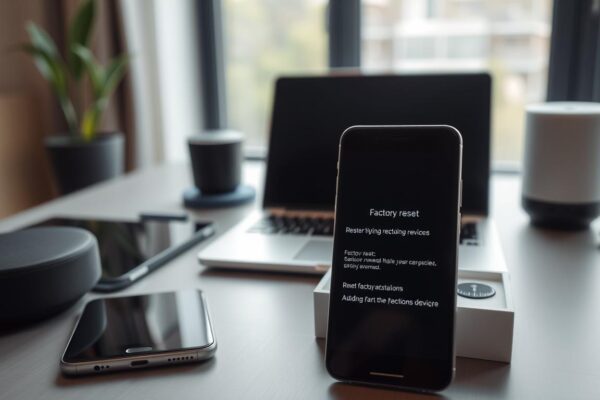
How to Factory Reset a Device When It Stops Responding Properly
A factory reset takes your device back to its original state. It’s useful when your phone, tablet, smart TV, or other gadgets freeze or lag. This action removes apps, settings, and personal files, unless you’ve backed them up. Resetting devices is a strong troubleshooting move, but it’s a last choice. Try restarting, booting into safe…
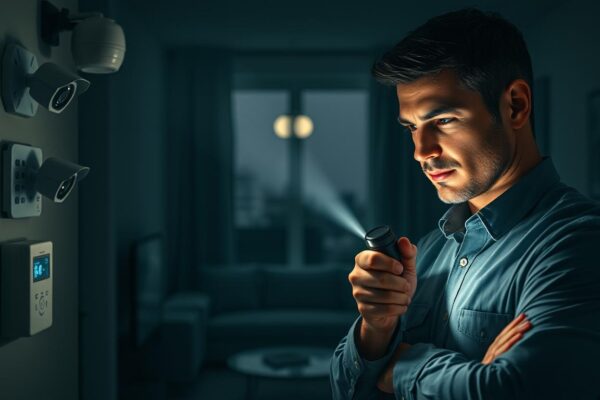
Ensuring Home Security Systems Work During a Power Outage
Power outages can make your security system useless. Wired panels, keypads, cameras, and sensors need power or a home router. When the power goes out, they can stop working, fail to send alerts, or lose contact with monitoring centers. SafeHome.org says the average American has about 1.42 power outages a year. Each outage lasts more…
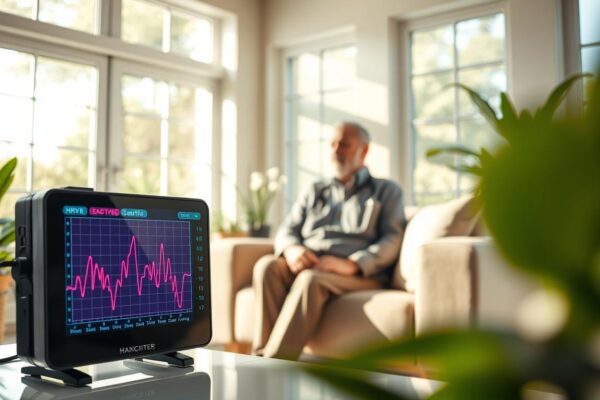
Using Heart Rate Variability Data to Monitor Senior Stress Levels
Heart rate variability (HRV) offers a clear, noninvasive way to see how stress impacts older adults. It measures the tiny changes in heartbeats and shows balance in the autonomic nervous system. Metrics like SDNN and LF/HF ratio help spot changes linked to anxiety, depression, and sleep issues. Research at Xijing Hospital linked anxiety, depression, and…
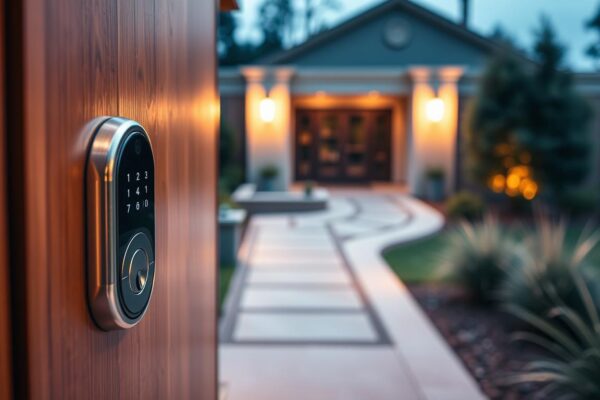
Illuminating Walkways: Best Practices for Motion-Activated Exterior Lights
Walkways should feel safe and controlled at night. Motion-activated exterior lights make this possible. They work like smart cabinet locks, protecting valuable items. Facilities in the U.S. are switching to electronic systems. This includes smart locks for cabinets, which are more durable than traditional locks. The same goes for outdoor lights: durable fixtures and sensors…
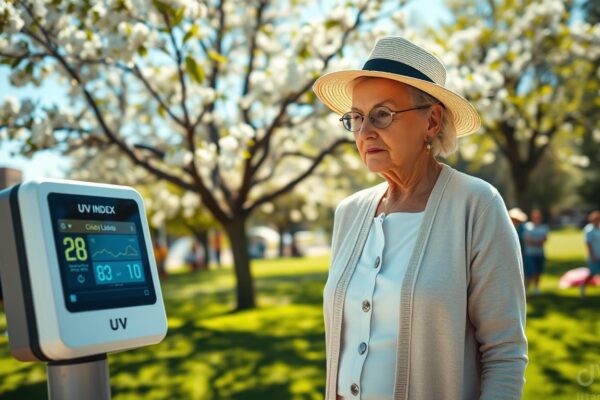
Protecting Senior Skin: Using Technology to Monitor Outdoor UV Levels
You want to keep yourself or a loved one safe when going outside. This article shows how UV index monitoring helps seniors stay safe. It combines smart tools with sun safety tips. The UV index is a simple scale that shows the strength of sunburn-causing ultraviolet radiation. Knowing the UV index forecast helps plan outings…

The Best Way to Clean Touchscreens and Sensors Without Damage
Touchscreens are everywhere: your smartphone, tablet, ATM, and the infotainment system in your Toyota or Ford. They collect fingerprints, oils, and germs. This affects device hygiene and your experience. Start with a dry microfiber cloth to remove smudges and dust. If you need more cleaning power, slightly dampen the cloth with water or a mild…
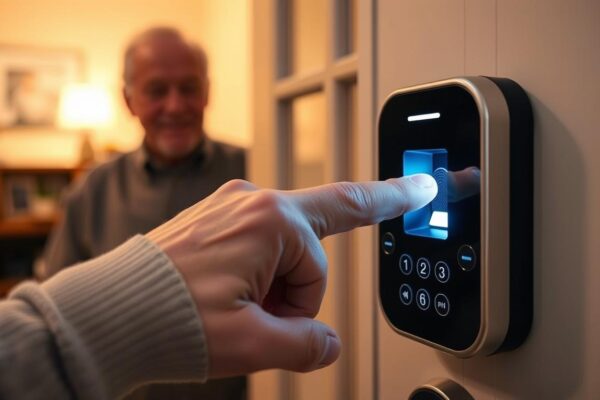
Is Fingerprint Access Easier for Seniors Than Traditional Keys?
Do you wonder if fingerprint access is better for seniors than old-fashioned keys? This section will explore that question. We’ll look at the key points to consider when choosing an access control system for an older family member. Fingerprint access is seen as a big plus for seniors. It offers quick entry, no need for…